On this page
THE BIG IDEAS
- Choose between a landscape picture and a close lunar record.
- Compare exposures while keeping the setup steady.
- Keep the original and describe equipment and processing.
Decide what your picture should show
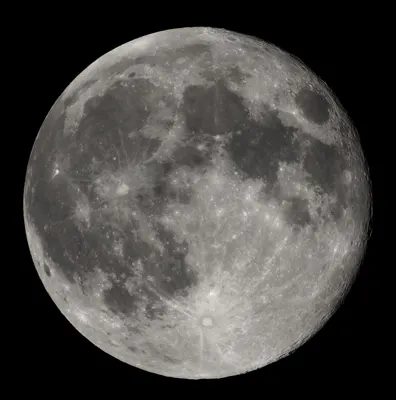
A phone can make a useful record of the Moon in a landscape even when it cannot resolve small lunar features. Choose whether your aim is a scene with the Moon or a close view of the lunar disk. These require different framing and may require different equipment.
A very small bright disk in a dark frame is easy to overexpose. Begin with a stable phone and a clear view from a safe ground-level position. Keep away from traffic and edges. Never point a telescope or optical finder near the Sun while setting up.
Make a controlled sequence
Clean the phone’s lens gently using its manufacturer’s guidance. Use the main camera first and support the phone securely. Tap the Moon to set focus if your camera allows it, then reduce exposure until bright parts retain some detail. Camera controls vary, so use the controls your device actually provides.
Take three frames: the initial setting, a lower exposure and a second lower exposure. Change only that setting. Compare the originals at the same displayed size and note which preserves the lunar edge or surface detail. A brighter file is not automatically the more informative one.
If a telescope is available
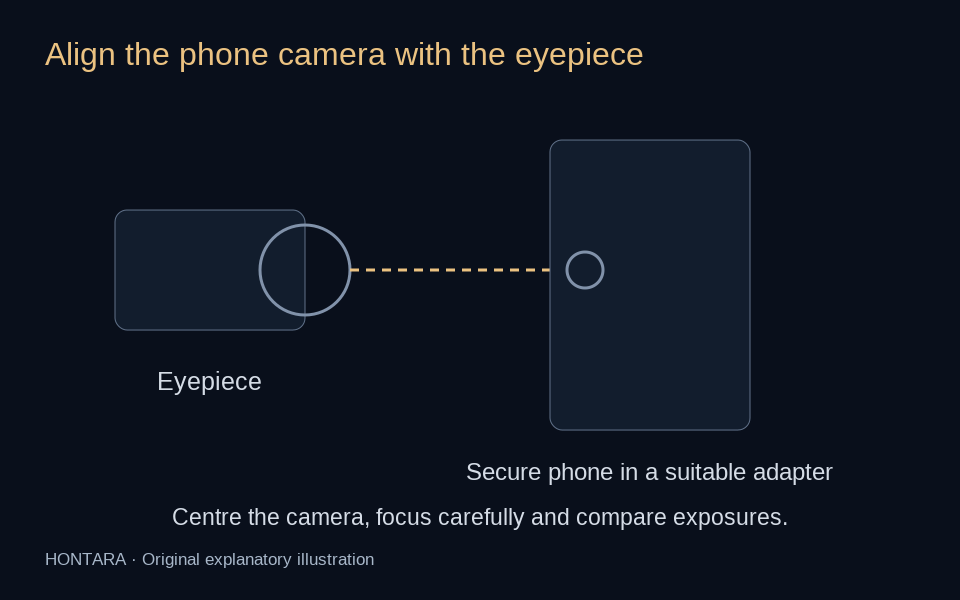
First centre and focus the Moon visually at low power. A suitable adapter can hold the phone camera over the eyepiece more steadily than a hand. Follow the adapter’s load and fit instructions and check that the phone is secure before letting go.
Align the camera lens with the light leaving the eyepiece. A black crescent often indicates poor centring rather than a missing part of the Moon. Recheck telescope focus and phone exposure after mounting. Avoid tapping the instrument during the exposure; a camera timer can reduce movement.
Keep an honest image record
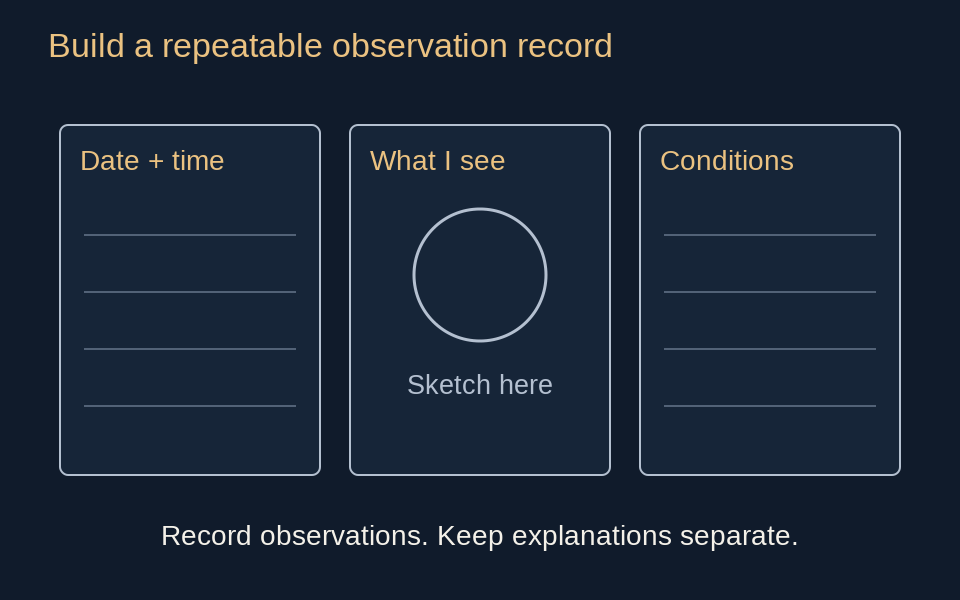
Save an original file and record date, time, equipment and any crop or processing. Compare pictures at a similar scale. Digital enlargement can make a disk bigger without recovering detail that the optics and recording did not capture.
Treat the picture as evidence for a question. Can you locate a dark plain or the boundary between day and night? Which feature is certain and which is only a blur? Share the equipment and processing notes with the image so another learner can understand what the photograph demonstrates.
PAUSE AND THINK
Does enlarging a phone image guarantee that it contains more lunar detail?
Explore the answer
No. Enlargement changes display size. New detail requires information captured by the optical and recording system.